01 Transcription and dictation
Accurate, editable subtitle extraction
Choose Parakeet, Qwen3 ASR, FireRed, or Cohere models for local audio/video transcription. Add custom vocabulary for specialist terms.
Built for Mac audio and video creators
Cliptate transcribes audio and video, trims pauses, and edits captions locally on your Mac. It also supports dictation and text to speech. After model downloads, local speech works offline without media uploads.
Apple Silicon · macOS 15+ · Free GitHub build
Core capabilities
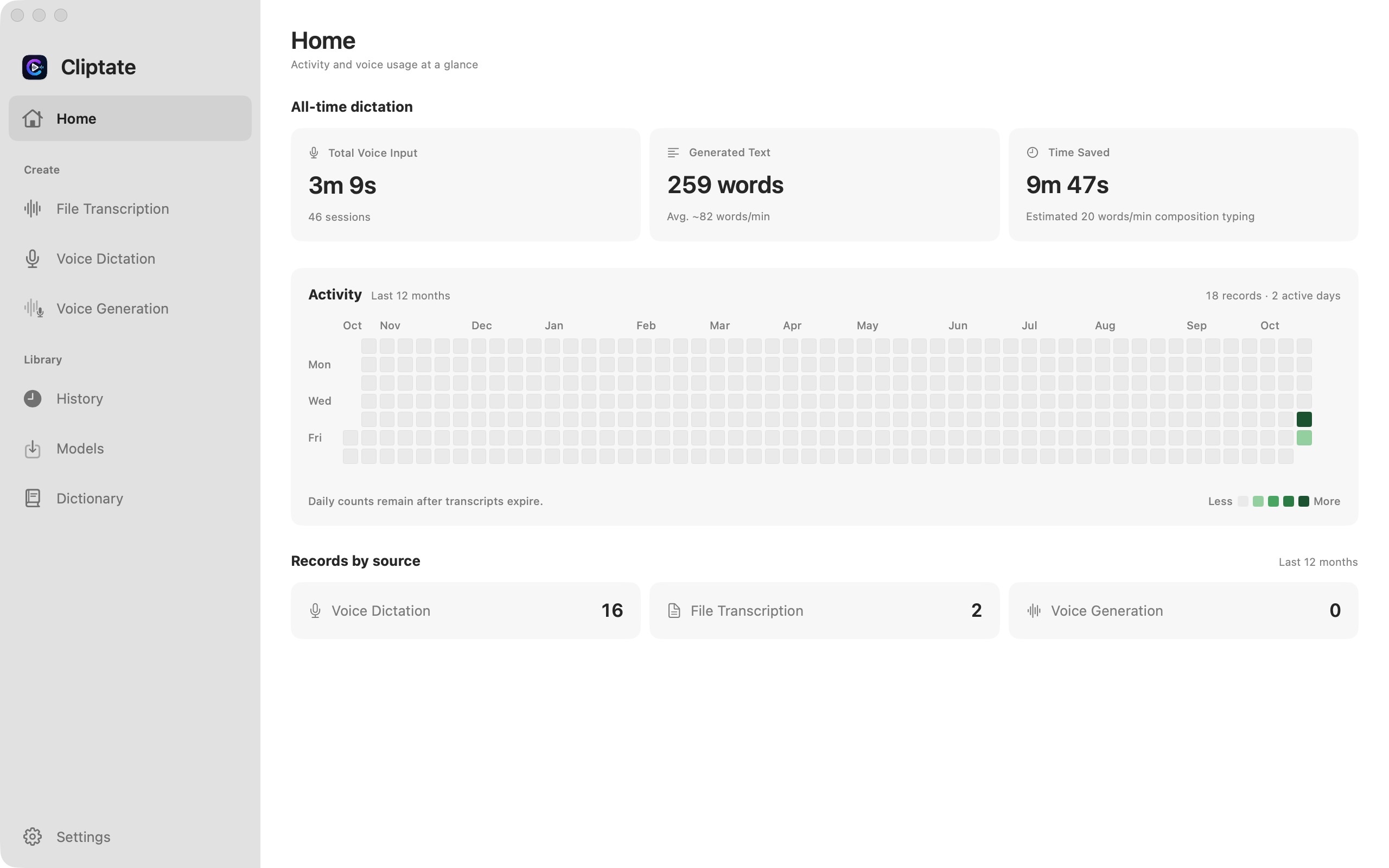
Import media, edit segments through their transcript, then export captions, audio, video, or a timeline. Manage models, vocabulary, and configuration presets in the app.
Choose Parakeet, Qwen3 ASR, FireRed, or Cohere models for local audio/video transcription. Add custom vocabulary for specialist terms.
Auto-detect silence and bulk-trim dead air from podcasts, interviews, and recordings.
Use Sortformer to distinguish speakers in supported transcription pipelines. Silero VAD detects speech activity, making interviews and meeting recordings easier to organize.
Qwen3 TTS offers preset voices, reference-audio cloning, emotion control, and voice design. Available controls depend on the selected model.
Configure an AI provider and API key for correction and keyword emphasis, including custom OpenAI-compatible endpoints. Apple Translation handles captions for supported language pairs.
Configure filler-word filtering, scaling, and zoom. Extract highlights with your configured AI provider, and set landscape/portrait caption styles and translation placement.
Voice capabilities
From live dictation to TTS dubbing — two voice capabilities, entirely on-device.
Voice dictation
Turn microphone audio into editable text, with custom vocabulary and dictation history. GitHub builds support global shortcuts and focused-field insertion after Accessibility permission is granted.
TTS voice synthesis
Preset voices
Download the matching model, then select a preset speaker for narration.
Voice clone
Import local reference audio and its transcript to clone a voice with a Base model.
Emotion control
Add emotion and style prompts to named speakers with a CustomVoice model.
Voice design
Describe a voice in natural language and create it with a VoiceDesign model.
Workflow
The most time-consuming creator tasks, compressed into four connected steps.
Drop podcasts, vlogs, interviews, or meeting recordings straight into the workspace.
Trim pauses with silence detection, review speakers and segments, edit text, and optionally run AI correction.
Translate captions, then generate dubbed audio with TTS. Use an automatically extracted source-audio reference or your own reference recording.
Export FCPXML, SRT, ASS, TXT, video, or audio. Combine the working set or export per video, with optional burned-in captions.
Privacy and performance
Transcription, silence detection, diarization, and TTS run on your Mac. Online AI features send relevant text and any context you choose to the configured service.
Professional output
AI Cut exports timelines, captions, audio, and video. The CLI also provides JSON, Markdown, and VTT for automation.
Use cases
Podcasts and interviews
Trim dead air, add captions, and identify publishable moments faster.
Vlogs and short-form video
Make talking-head edits smoother and keep attention on pacing and expression.
Courses, meetings, and dictation
Turn long recordings or live voice input into searchable, translatable, and deliverable text assets.
Multilingual dubbing
Ship alternate language versions faster while preserving expressive tone.
Workflow guides
From dictation to subtitle delivery: compare Cliptate with other tools by processing, cost, and everyday tasks.
Download and install
Requires Apple Silicon (M1 or newer) and macOS 15 or later. Model downloads and memory requirements vary; allow enough storage for your selections.
All models and features are free, with no subscription or purchase. Includes the native CLI and in-app updates, plus Accessibility-backed text insertion and global shortcuts with permission. Online AI providers charge separately.
Open GitHub ReleasesNightly builds track main periodically and may contain unreleased changes. Check each build’s notes for included features.
Nightly preview builds